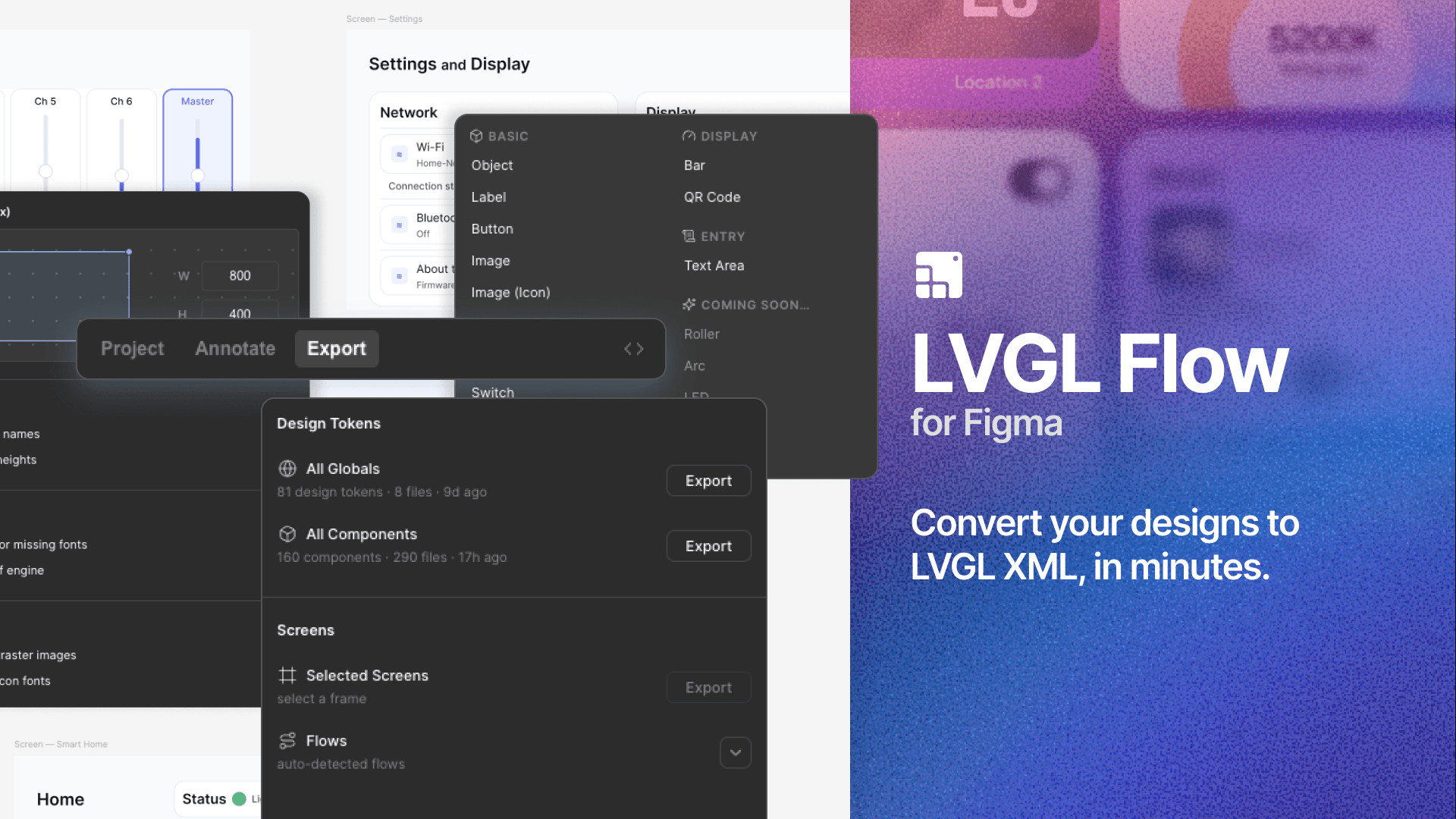
Figma Integration

Leverage the Figma plugin to synchronize designs with LVGL Pro Editor and automate style extraction.

LVGL Pro's Figma plugin displays the style properties of selected UI elements, allowing you to copy-paste styles directly into the Editor for pixel-perfect design implementation.

The plugin also shows the "Figma node ID" of each element, enabling automatic style synchronization. With a single click in the Editor or a CLI command, you can download and update style properties from Figma into your XML files.

Since this is not a magical auto-importer, you retain full control over how files, styles, components, and other elements are organized. The designer can work freely in Figma without constraints, while you focus on restructuring the design with a developer mindset to ensure a maintainable, clean, and optimal structure.

The Figma to LVGL Plugin

The Figma to LVGL Plugin is available publicly in Figma's plugin store and can be added to both public and private projects, even without a Figma subscription.

To install the Figma to LVGL Plugin, go to the Figma menu -> Plugins -> Manage plugins and find it in the list.

Figma to LVGL Installation
Click "Manage Plugins ..." to find and install Figma to LVGL

If you used it earlier, it will appear among the "Recents".

Once it's installed, a small window will appear showing the style properties of the selected element.

Figma to LVGL Plugin
Figma to LVGL listing style properties of the selected UI element

Usage in the Editor

The style properties listed by the plugin can be copy-pasted into any XML style section. For example:

xml
<component>
 <styles>
 <style name="style_from_figma"
 figma_node_id="1:2" bg_color="0xfb0000"
 border_color="0x4e3535"
 border_opa="255"
 border_width="14"
 width="200"
 height="177"
 radius="13"
 />
 </styles>

 <view>
 <style name="style_from_figma" />
 </view>

</component>

Synchronizing Style Properties

If you copied the figma_node_id="..." part from the plugin, the style in the XML is connected to a specific element in Figma, and the Editor can download the style properties.

To enable synchronization, add a project_local.xml file with the following content:

xml
<project_local>
 <figma document="XXXXXX" token="YYYYY"/>
</project_local>

Where:

  • XXXXXX - The string after "design" in the Figma URL. For example, if the Figma URL is https://www.figma.com/design/P8NM0qOqgWfYpbENhAKqYb, then XXXXXX would be "P8NM0qOqgWfYpbENhAKqYb".

  • YYYYY - The Personal Access Token that you can generate as described in the Manage Personal Access Tokens article in Figma documentation.

Because project_local.xml contains a personal token, it should be added to .gitignore and stored only locally.

After that, clicking the FigmaSync button (top right-hand corner) will update each style with a figma_node_id from the latest Figma design.

Using with the CLI

The CLI tool editor_cli can also synchronize styles from Figma in CI/CD:

bash
lved-cli.js figma-sync path/to/project --start-service

How is this guide?

Last updated on

On this page