Even though LVGL core has no external dependencies, several optional features require linking against system libraries:
SDL2 for the desktop simulator, libjpeg-turbo for JPEG decoding, libdrm for Linux DRM display output, and so on.
Until now, that meant installing each library yourself, making sure LVGL could find it, and keeping that wiring in sync
with whatever was enabled in lv_conf.h. It works, but it's a lot of work just to get started.
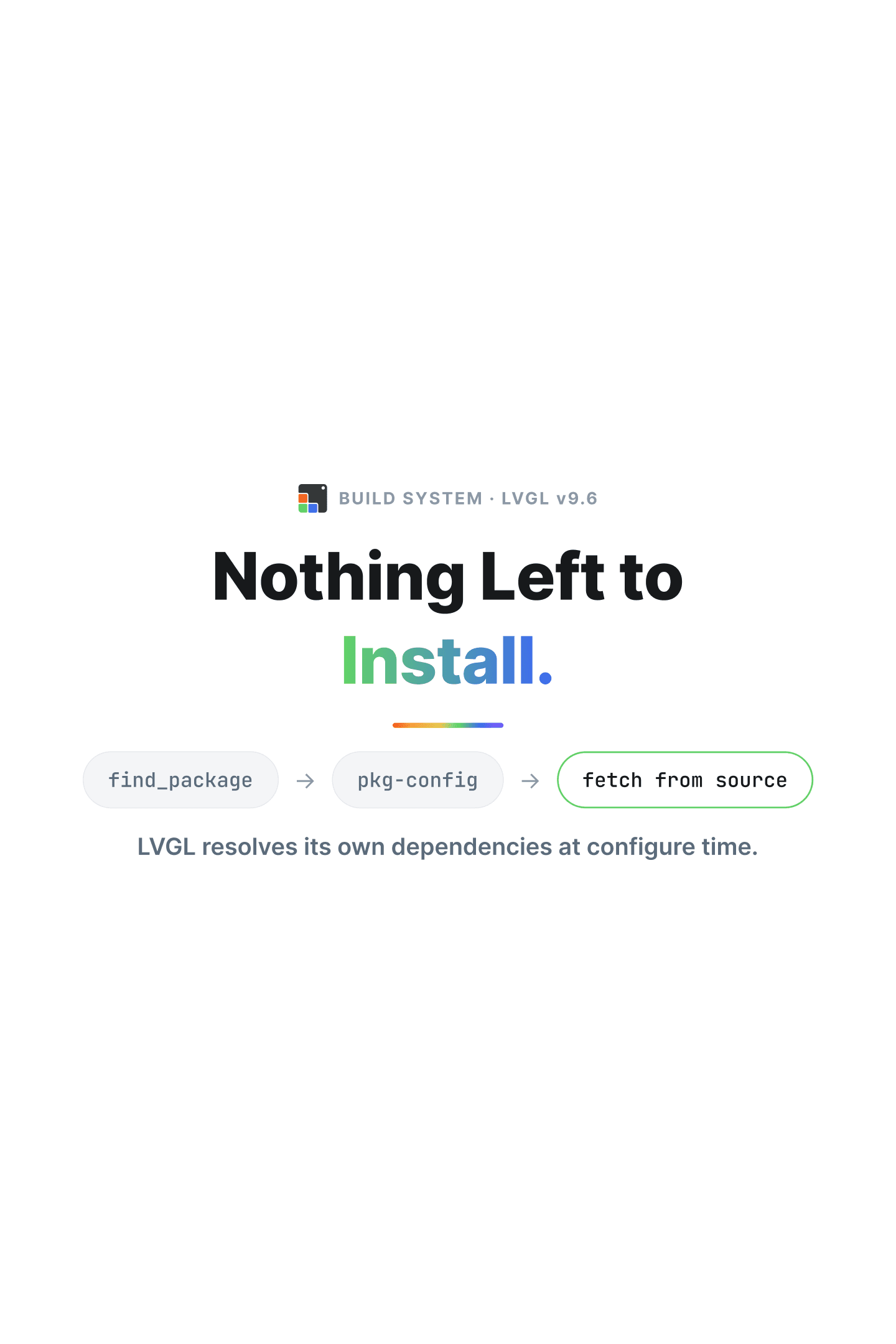
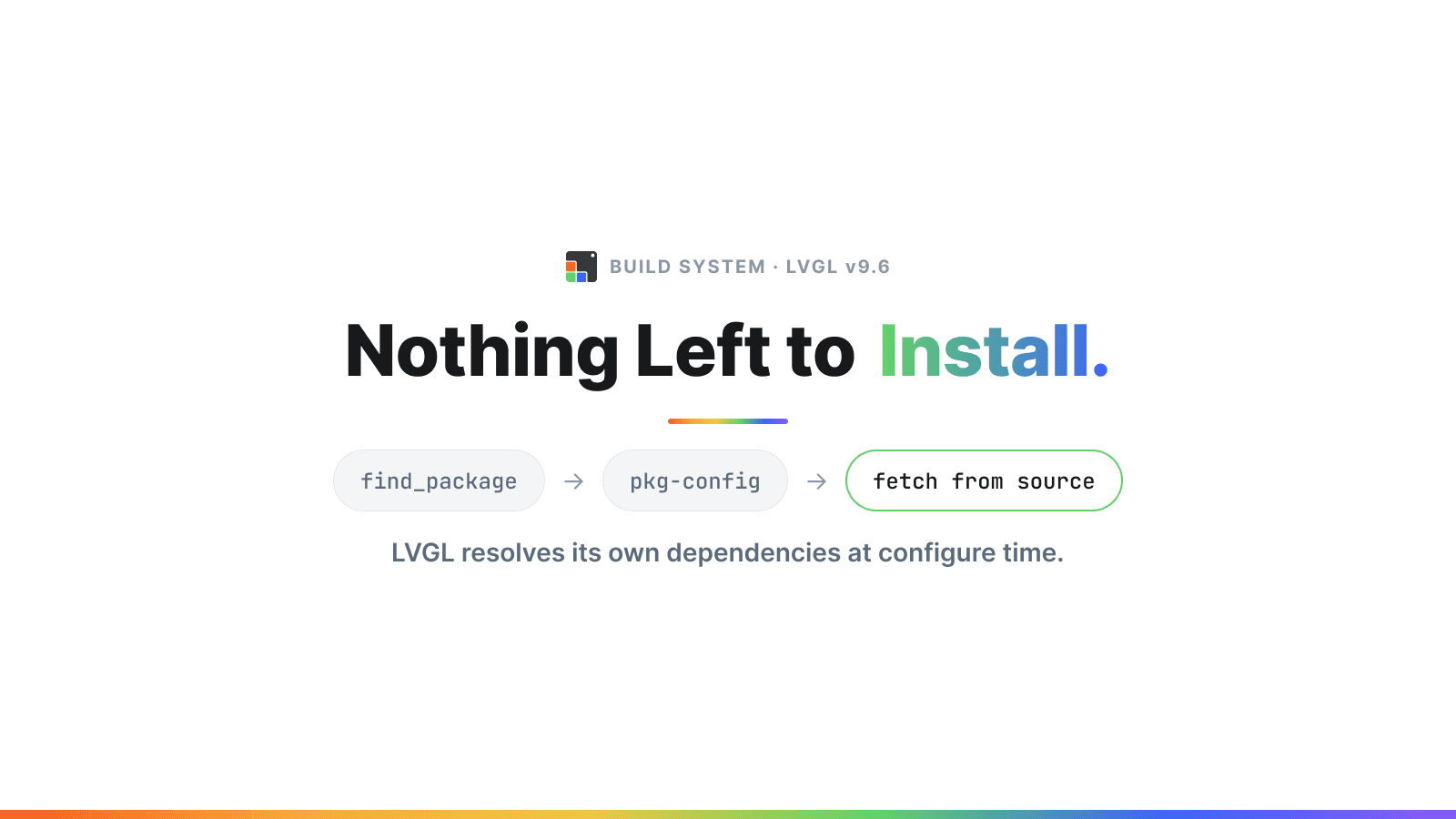
Starting from v9.6, LVGL can manage all of its external dependencies for you when using it with CMake. It locates what it needs on your system, or fetches and builds it from source if it isn't found. If you're using the SDL2 simulator, for example, there's no need to install SDL2 separately before building.
Let's start with a project that runs, then look at how it works.
Getting Started in 2 Minutes#
Here's a minimal project that uses the SDL2 backend to get LVGL running on the desktop, no manual SDL2 installation required.
1. Create the project structure
- CMakeLists.txt
- lv_conf.h
- main.c
2. Enable SDL in lv_conf.h
#ifndef LV_CONF_H
#define LV_CONF_H
#define LV_USE_SDL 1
#endif3. Initialize the SDL driver and create a UI in src/main.c
#include <lvgl.h>
#include <stdlib.h>
#include <time.h>

int main(void)
{
    lv_init();

    lv_display_t * disp = lv_sdl_window_create(800, 600);
    if(!disp) {
        return EXIT_FAILURE;
    }
    lv_sdl_mouse_create();

    lv_obj_t * button = lv_button_create(lv_screen_active());
    lv_obj_t * label  = lv_label_create(button);
    lv_label_set_text_static(label, "Click Me!");
    lv_obj_center(button);

    while(1) {
        lv_timer_handler();
        lv_sleep_ms(5);
    }

    return EXIT_SUCCESS;
}4. Add CMakeLists.txt
cmake_minimum_required(VERSION 3.18)
project(lvgl_demo_dependency_fetching)

include(FetchContent)

set(LV_BUILD_SET_CONFIG_OPTS ON CACHE BOOL "" FORCE)

FetchContent_Declare(
  lvgl
  GIT_REPOSITORY https://github.com/lvgl/lvgl.git
  GIT_TAG eaeed76889bd35cf9c0d9cca192bce90ed647bf3
  GIT_SHALLOW TRUE
)
FetchContent_MakeAvailable(lvgl)

add_executable(main src/main.c)
target_link_libraries(main lvgl)The key part here is LV_BUILD_SET_CONFIG_OPTS. With it set, LVGL reads your lv_conf.h at configure time,
sees that LV_USE_SDL is enabled, and takes care of finding or fetching SDL2 on its own.
No find_package(SDL2) or pkg_check_modules needed in your own CMake files.
5. Build and run
cmake -B build
cmake --build build -j$(nproc)
./build/mainThat's it. If SDL2 is already installed on your system it will be found automatically. If not, LVGL will fetch and build it as part of the configure step.
The rest of this post explains what happens during that configure step, and how to take back control of it when you need to.
How LVGL Reads Your Configuration#
The whole thing hinges on CMake being able to see what's in your lv_conf.h. That part landed back in LVGL v9.3.0,
which added automatic lv_conf.h preprocessing via CMake. When enabled, lv_conf.h gets passed through a C preprocessor
at configure time, which converts the header file to a .cmake file, allowing CMake to have access to your configuration directly.
No manual synchronization between lv_conf.h and your CMakeLists.txt needed.
This unlocked a couple of useful things:
- Conditionally including or excluding source files based on what's enabled in
lv_conf.h - Automatically finding and linking only the dependencies that are actually needed
To enable it, set CMake's LV_BUILD_SET_CONFIG_OPTS variable, as in the project above, and make sure python3
and either python3-venv or pcpp are available.
It also gets enabled automatically when using Kconfig as the configuration system.
How Dependency Resolution Works#
Once CMake knows which features are enabled, it knows which libraries the build needs. For each optional dependency, LVGL tries three strategies in order:
find_package, the standard CMake mechanismpkg-config, for libraries that publish.pcfiles- Fetching from source, which clones and builds the dependency as part of your build
Not every dependency supports source-fetching.
Opting Out#
If you'd rather manage a dependency yourself, any of these strategies can be disabled individually.
Disable the strategies for a specific dependency:
cmake -B build \
  -DLV_USE_FIND_PACKAGE_SDL2=OFF \ # do not use cmake's find_package for sdl2
  -DLV_USE_PKG_CONFIG_SDL2=OFF \   # do not use pkg-config for sdl2
-DLV_FETCH_SDL2=OFF # do not fetch from source for sdl2Or disable them globally:
cmake -B build \
  -DLV_USE_FIND_PACKAGE=OFF \ # do not use cmake's find_package
  -DLV_USE_PKG_CONFIG=OFF \   # do not use pkg-config
-DLV_FETCH_DEPENDENCIES=OFF # do not fetch from sourceWhere It Started: The Linux Port#
LVGL configured to work on Linux (Wayland, DRM, EGL, OpenGL, fbdev, X11 etc)
None of this appeared in LVGL's own repository first. lv_port_linux was the port that pioneered this approach, introducing a modular build where dependencies are only pulled in when the corresponding config option is set. Here's an example of what that looks like for DRM support:
if(CONFIG_LV_USE_LINUX_DRM)
  message("Including DRM support")
  find_package(PkgConfig REQUIRED)
  pkg_check_modules(LIBDRM REQUIRED libdrm)
  list(APPEND PKG_CONFIG_LIB ${LIBDRM_LIBRARIES})
  list(APPEND PKG_CONFIG_INC ${LIBDRM_INCLUDE_DIRS})
  list(APPEND LV_LINUX_BACKEND_SRC src/lib/display_backends/drm.c)
endif()If LV_USE_LINUX_DRM is enabled, this block will try to find libdrm via pkg-config and link the final executable with it.
For the cases where it isn't set in your config, that whole block becomes a no-op and libdrm doesn't need to be present on the build machine.
It worked well enough that for v9.6 the capability moved into LVGL itself, with source fetching added on top, so every project gets it without hand-writing blocks like the one above.
Wrap Up#
Give it a try and let us know if you run into any problems by opening an issue at github.com/lvgl/lvgl/issues.
This is the first of a short series on building and shipping LVGL on Linux. Next up: now that LVGL knows exactly which libraries it links against, it can hand that information off to the tools your own project already uses.
- 1Getting Started with LVGL v9.6 with 50 Lines of CodeYou are here
- 2Installing LVGL, Dependencies Included
- 3apt install lvgl
- 4LVGL with Ubuntu on the RZ/G2L