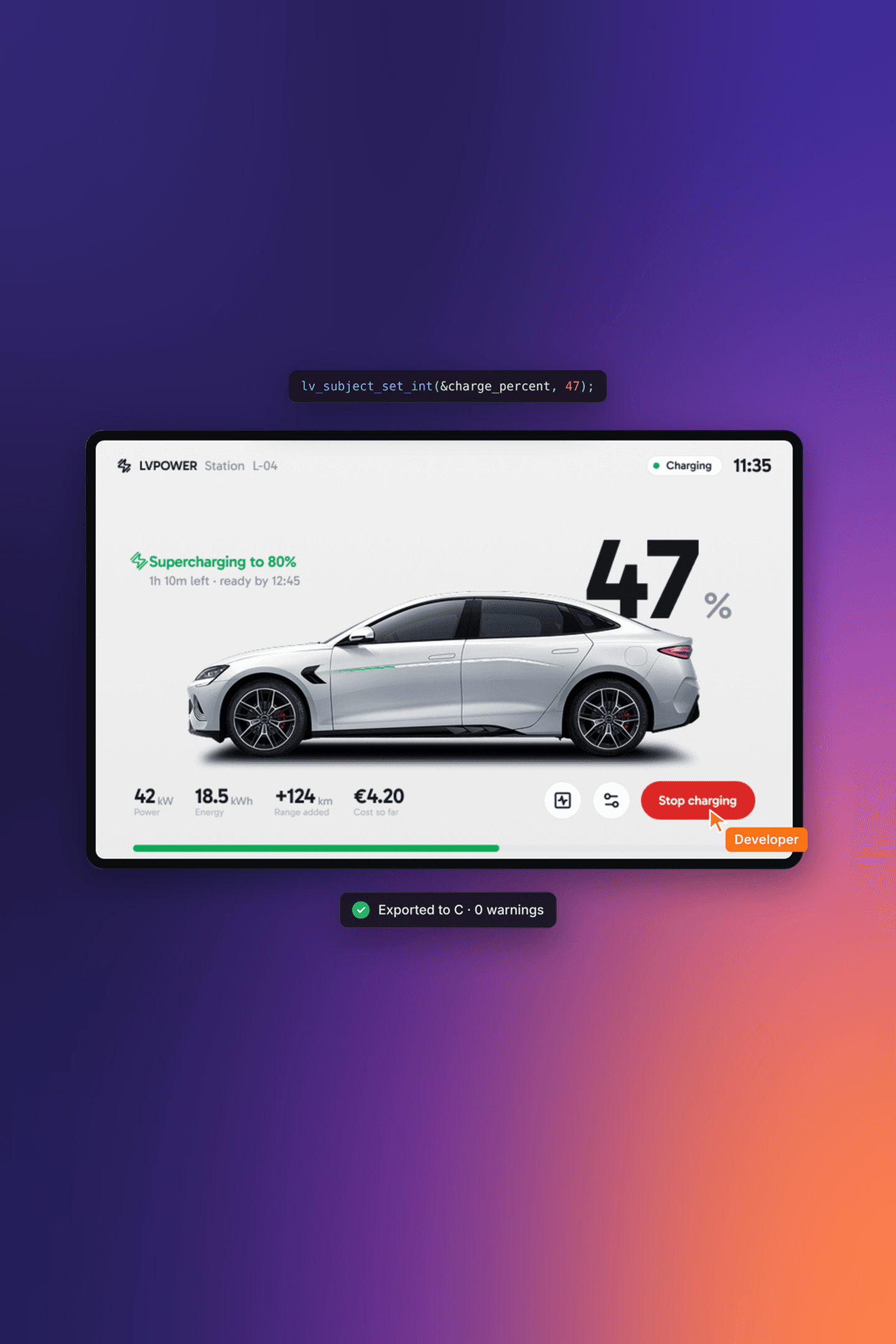
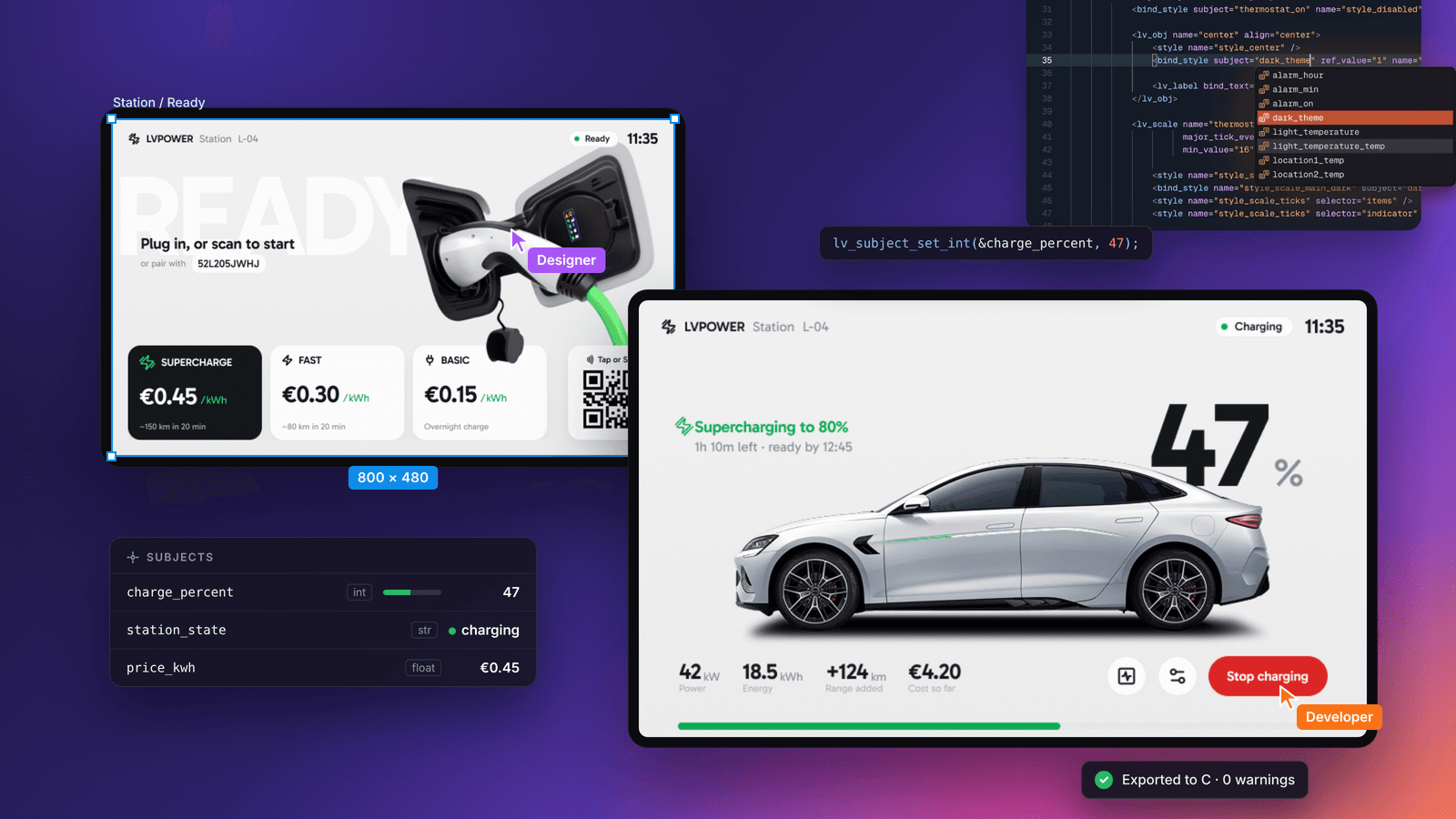
Most embedded UI projects don't get into trouble because of the graphics library. They get slow and expensive in the space between the design and the firmware: a mockup drawn at the wrong resolution, a font size someone had to guess, a button callback that talks straight to a driver.
I lead the Solutions Engineering team at LVGL, where we take customer UIs from a Figma file to a shipping product. After working on a range of projects, I found that the ones that go smoothly and the ones that don’t are rarely separated by the graphics library. The difference comes from a few decisions made early, usually before anyone writes a line of UI code.
In this post I will share five of those decisions, first posted as a series of tips on my LinkedIn and now collected in one place.
1. Start From a Pixel-Perfect Design#
A pixel-perfect design matches the physical display exactly. Screen size, component dimensions, icon sizes, the x and y position of every element, and font sizes all correspond to real pixels on the target screen. If the display is 640x480, the Figma frame is 640x480.
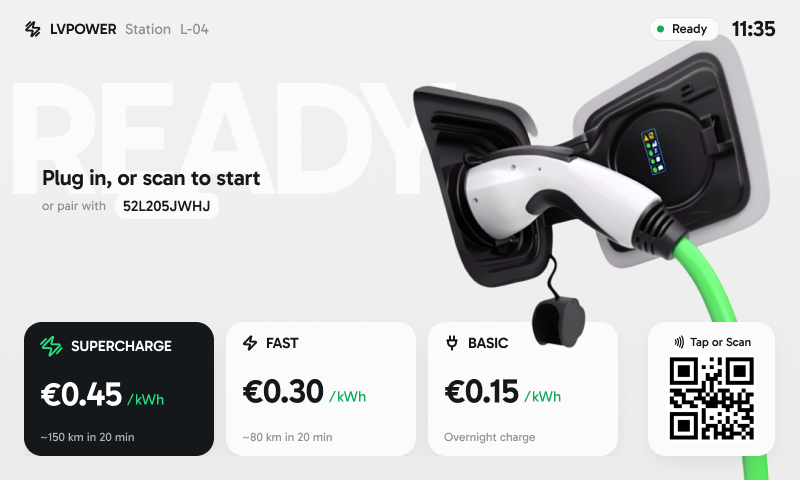
Whether you use LVGL, Qt, or another framework, someone has to turn that design into code. When the design is pixel-perfect, positioning elements and recreating components is a matter of reading values off the design. Nobody has to guess positions, scale fonts by eye, or ask the designer which of three slightly different paddings was intended.
So as the embedded UI developer, make sure the design is pixel-perfect, whether it comes from a dedicated designer or from you. It is the cheapest way to keep the path from design to code to the real display free of surprises.
2. Hire a Professional UI/UX Designer When You Can#
This is something I've seen make a big difference in real products.
Embedded UI is not just placing widgets on a screen. A good designer brings structure, visual hierarchy, and consistency, which are hard to achieve when design is treated as an afterthought. They think about spacing, typography, contrast, color, alignment, and balance, and about how the interface reflects the company's brand. Colors, fonts, iconography, and logo usage often have to follow brand guidelines, and those are easy to overlook when the focus is on making things work.
These details decide how readable and usable the product is and how premium it feels.
Two products with identical hardware can be perceived very differently based only on the UI.
There is an engineering benefit too. Well-defined components, consistent styles, and clear design rules mean less guesswork during implementation. That leads to fewer iterations, fewer UI fixes late in the project, and a cleaner codebase. When budget and scope allow it, a designer is not a luxury. It is an investment in the product.
3. Learn to Think Like a Designer When There Isn't One#
Sometimes hiring a designer isn't possible, and the embedded developer ends up owning both the implementation and the design decisions.
The best way to improve is observation. Look closely at products you already use: home appliances, car dashboards, industrial panels, mobile apps, websites. Notice spacing, font sizes, contrast, alignment, color, transitions, and how information is grouped and prioritized.
A practical exercise is to take a well-designed interface from another product and reproduce it in LVGL. It trains your eye for layout, proportions, and hierarchy, and at the same time makes you faster at translating a design into code.
It is also worth learning Figma well enough to sketch simple layouts before you start implementing. Even a basic design clarifies spacing, font sizes, and component structure, and it gives you the pixel-perfect reference from tip 1.
4. Decouple the UI From Firmware Logic with Subjects#
In many projects, UI code and firmware logic end up tightly coupled. Button callbacks change hardware state, write global variables, call drivers, or even handle network requests and protocols directly from the UI layer. That works for a prototype and becomes painful to maintain as the product grows.
LVGL's subjects and observers separate what the UI shows from how the application works. The UI binds to subjects that represent application data. When the data changes, the UI updates itself. When the user interacts with the UI, the subject changes and the rest of the system reacts to it.
Here is a small example:
static lv_subject_t temp_setpoint;

void ui_init(void)
{
    lv_subject_init_int(&temp_setpoint, 21);

    /* UI side: widgets bind to the subject, no firmware calls here */
    lv_obj_t * slider = lv_slider_create(lv_screen_active());
    lv_slider_bind_value(slider, &temp_setpoint);

    lv_obj_t * label = lv_label_create(lv_screen_active());
    lv_label_bind_text(label, &temp_setpoint, "%d °C");
}

/* Firmware side: reacts to the subject, knows nothing about widgets */
static void setpoint_changed(lv_observer_t * observer, lv_subject_t * subject)
{
    thermostat_set_target(lv_subject_get_int(subject));
}

void app_init(void)
{
    lv_subject_add_observer(&temp_setpoint, setpoint_changed, NULL);
}The slider and the label never call the thermostat driver, and the driver never touches a widget. That makes it simpler to integrate APIs, communication stacks, and background tasks, and the UI can be tested on its own without hardware drivers or networking in place.
LVGL's subjects and observers are heavily used in the LVGL Pro UI Editor, which makes testing and reviewing the UI much easier.
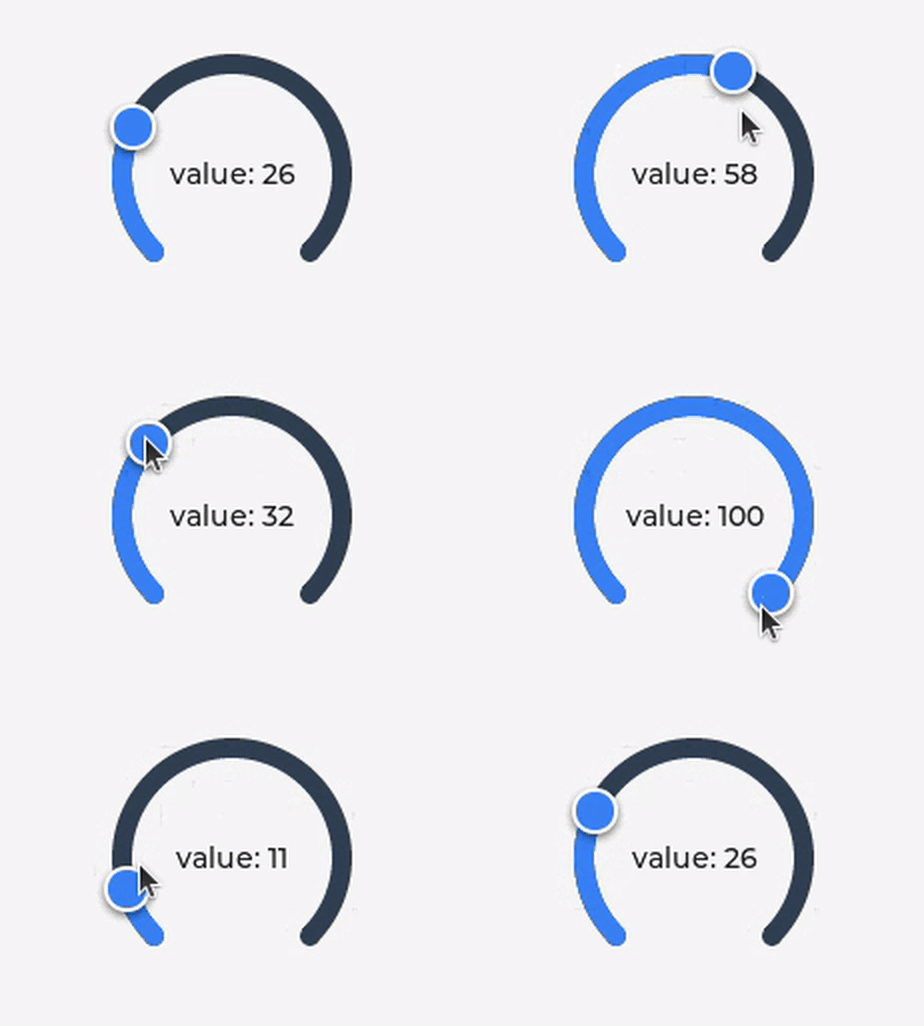
Check the documentation here for more details about LVGL's subjects and observers.
5. Use the Framework's Official UI Editor#
Whatever framework you choose, it is usually worth learning the official editor from the vendor. It is built by the same team as the framework, so it follows the intended workflow and supports the features as they were designed. In practice that means faster development, fewer integration issues, and a more consistent UI structure.
For LVGL, that is the LVGL Pro Editor. The UI previews live without recompiling or setting up a build environment. It encourages a component-based approach with reusable elements, which scales well across screens and projects. Images and fonts are converted automatically, so there are no manual conversion steps or conversion scripts to maintain. The XML is easier to read than the equivalent C code, and the Editor exports plain C when you are ready to ship.
You can also share a UI through the online viewer, so a designer, a product manager, or a customer can open it in a browser and click through it without any development setup.
Using the official tools isn't mandatory, but it is often one of the most effective ways to improve productivity and consistency in an embedded UI project.
Wrap Up#
None of these tips are about clever code. They are about keeping the path from idea to screen short and predictable: a design that matches the hardware, someone who owns how it looks, an architecture where the UI and the firmware can change independently, and tools that remove manual steps.
If you'd like help putting any of this into practice on your own product, our Solutions Engineering team does exactly this kind of work. And if you have a tip of your own, share it on the LVGL forum. We'd like to hear it.
Learn more about LVGL Pro UI Editor
See how it can improve embedded UI development in your company.