C
Simple Drop down list
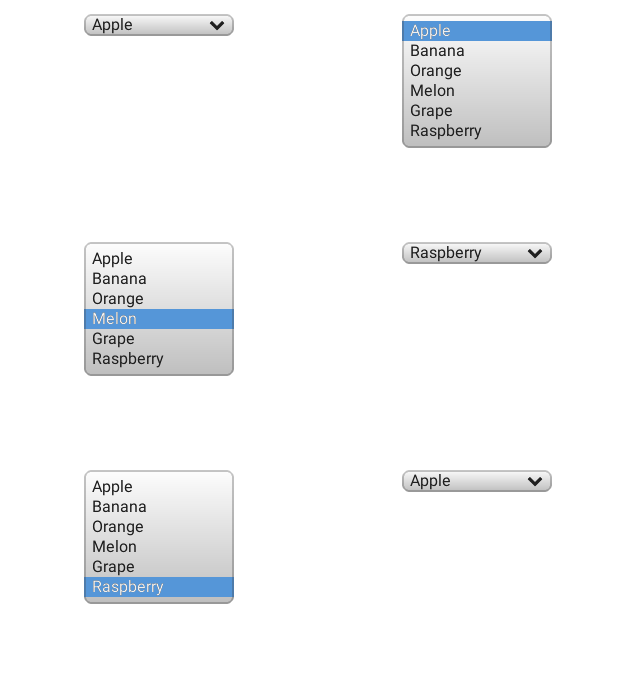
code
#include "lvgl/lvgl.h"
#include <stdio.h>

static void event_handler(lv_obj_t * obj, lv_event_t event)
{
    if(event == LV_EVENT_VALUE_CHANGED) {
        char buf[32];
        lv_ddlist_get_selected_str(obj, buf, sizeof(buf));
        printf("Option: %s\n", buf);
    }
}

void lv_ex_ddlist_1(void)
{

    /*Create a drop down list*/
    lv_obj_t * ddlist = lv_ddlist_create(lv_scr_act(), NULL);
    lv_ddlist_set_options(ddlist, "Apple\n"
            "Banana\n"
            "Orange\n"
            "Melon\n"
            "Grape\n"
            "Raspberry");

    lv_ddlist_set_fix_width(ddlist, 150);
    lv_ddlist_set_draw_arrow(ddlist, true);
    lv_obj_align(ddlist, NULL, LV_ALIGN_IN_TOP_MID, 0, 20);
    lv_obj_set_event_cb(ddlist, event_handler);
}
Drop “up” list
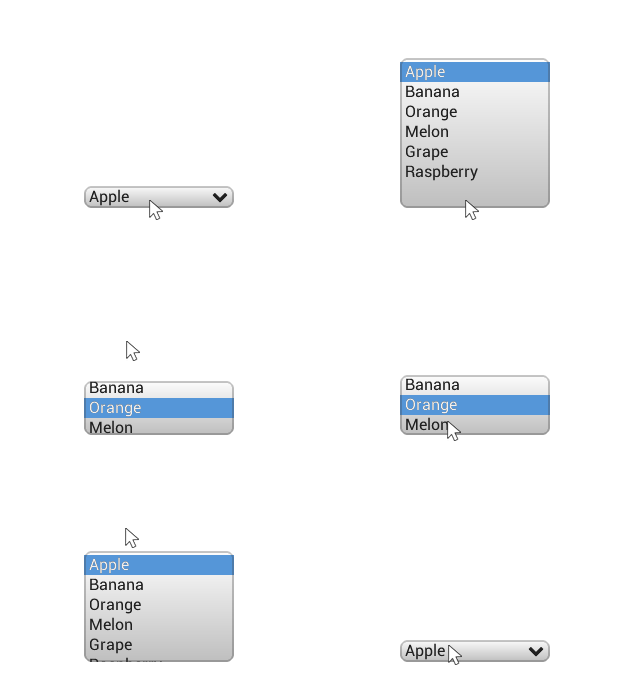
code
#include "lvgl/lvgl.h"
#include <stdio.h>

/**
 * Create a drop UP list by applying auto realign
 */
void lv_ex_ddlist_2(void)
{

    /*Create a drop down list*/
    lv_obj_t * ddlist = lv_ddlist_create(lv_scr_act(), NULL);
    lv_ddlist_set_options(ddlist, "Apple\n"
            "Banana\n"
            "Orange\n"
            "Melon\n"
            "Grape\n"
            "Raspberry");

    lv_ddlist_set_fix_width(ddlist, 150);
    lv_ddlist_set_fix_height(ddlist, 150);
    lv_ddlist_set_draw_arrow(ddlist, true);

    /* Enable auto-realign when the size changes.
     * It will keep the bottom of the ddlist fixed*/
    lv_obj_set_auto_realign(ddlist, true);

    /*It will be called automatically when the size changes*/
    lv_obj_align(ddlist, NULL, LV_ALIGN_IN_BOTTOM_MID, 0, -20);
}
MicroPython
Simple Drop down list
code
def event_handler(obj, event):
    if event == lv.EVENT.VALUE_CHANGED:
        option = " "*10 # should be large enough to store the option
        obj.get_selected_str(option, len(option))
        # .strip() removes trailing spaces
        print("Option: \"%s\"" % option.strip())

# Create a drop down list
ddlist = lv.ddlist(lv.scr_act())
ddlist.set_options("\n".join([
                    "Apple",
                    "Banana",
                    "Orange",
                    "Melon",
                    "Grape",
                    "Raspberry"]))

ddlist.set_fix_width(150)
ddlist.set_draw_arrow(True)
ddlist.align(None, lv.ALIGN.IN_TOP_MID, 0, 20)
ddlist.set_event_cb(event_handler)
Drop “up” list
code
# Create a drop UP list by applying auto realign

# Create a drop down list
ddlist = lv.ddlist(lv.scr_act())
ddlist.set_options("\n".join([
                    "Apple",
                    "Banana",
                    "Orange",
                    "Melon",
                    "Grape",
                    "Raspberry"]))


ddlist.set_fix_width(150)
ddlist.set_fix_height(150)
ddlist.set_draw_arrow(True)

# Enable auto-realign when the size changes.
# It will keep the bottom of the ddlist fixed
ddlist.set_auto_realign(True)

# It will be called automatically when the size changes
ddlist.align(None, lv.ALIGN.IN_BOTTOM_MID, 0, -20)