C
Simple Button matrix
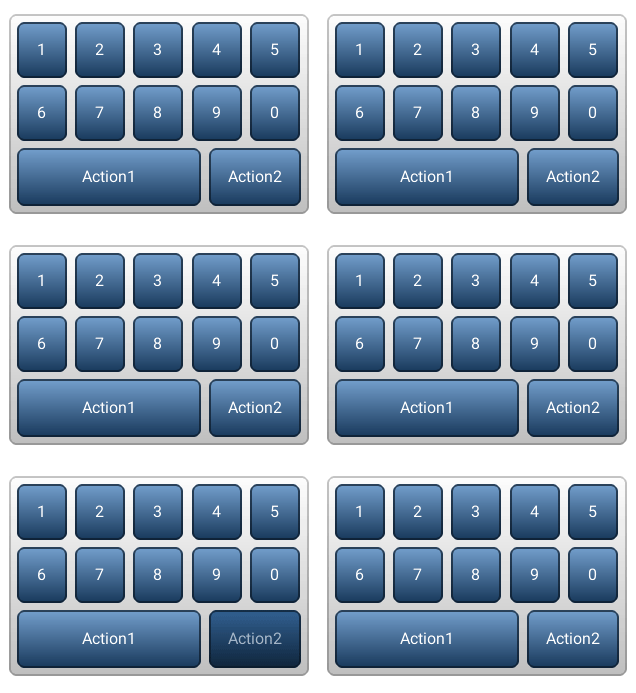
code
#include "lvgl/lvgl.h"
#include <stdio.h>

static void event_handler(lv_obj_t * obj, lv_event_t event)
{
    if(event == LV_EVENT_VALUE_CHANGED) {
        const char * txt = lv_btnm_get_active_btn_text(obj);

        printf("%s was pressed\n", txt);
    }
}


static const char * btnm_map[] = {"1", "2", "3", "4", "5", "\n",
                                  "6", "7", "8", "9", "0", "\n",
                                  "Action1", "Action2", ""};

void lv_ex_btnm_1(void)
{
    lv_obj_t * btnm1 = lv_btnm_create(lv_scr_act(), NULL);
    lv_btnm_set_map(btnm1, btnm_map);
    lv_btnm_set_btn_width(btnm1, 10, 2);        /*Make "Action1" twice as wide as "Action2"*/
    lv_obj_align(btnm1, NULL, LV_ALIGN_CENTER, 0, 0);
    lv_obj_set_event_cb(btnm1, event_handler);
}
MicroPython
Simple Button matrix
code
def event_handler(obj, event):
    if event == lv.EVENT.VALUE_CHANGED:
        txt = obj.get_active_btn_text()
        print("%s was pressed" % txt)

btnm_map = ["1", "2", "3", "4", "5", "\n",
            "6", "7", "8", "9", "0", "\n",
            "Action1", "Action2", ""]

btnm1 = lv.btnm(lv.scr_act())
btnm1.set_map(btnm_map)
btnm1.set_btn_width(10, 2)        # Make "Action1" twice as wide as "Action2"
btnm1.align(None, lv.ALIGN.CENTER, 0, 0)
btnm1.set_event_cb(event_handler)